

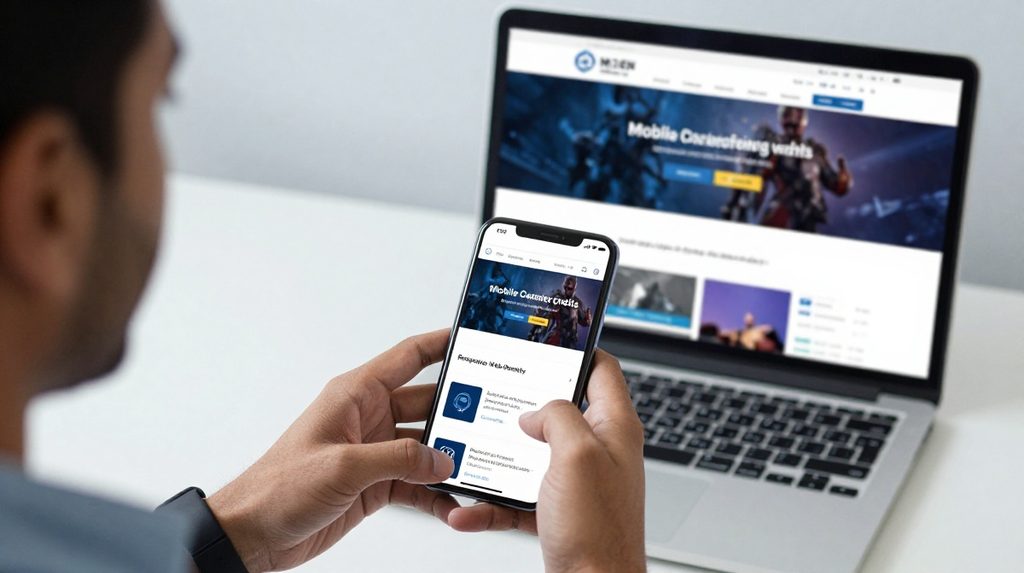
Many Indian users open the Lotus365 mobile website on their phone and find the page not loading, the login screen freezing, or the OTP simply not arriving. Before assuming the platform itself is down, it is worth running a few checks on your own device first. Most of these problems come from browser version, phone settings, or your internet connection, and most can be fixed in a few minutes.
Important legal note: Online betting laws in India differ by state. Telangana and Andhra Pradesh have explicit bans on online betting and gaming as of 2026. In most other states, the law is not clearly defined for online platforms. Verify the rules in your state before using any real-money platform. When in doubt, consult a legal professional.
Why the Lotus365 Mobile Website Needs Your Browser to Be Ready
A mobile website is not just a simple page. It runs scripts, makes server calls, loads live data, and handles secure transactions at the same time. The lotus365 login flow, for example, depends on your browser handling cookies, JavaScript, and secure connections properly. If any one of those is blocked or outdated, the whole process breaks, and you see an error with no obvious cause.
Running a quick set of checks before you start saves time and frustration.
Check 1: Your Browser Version
This is the most common source of access problems. The Lotus365 mobile website is built for modern browsers and does not work well on older versions.
On Android phones, Google Chrome is the most reliable option. If you use Samsung Internet which comes as the default browser on most Samsung phones sold in India, open the Galaxy Store and update it to the latest available version. Samsung Internet can behave differently from Chrome on some payment and verification pages.
On iPhones, every browser including Chrome and Firefox for iOS runs on Apple’s WebKit engine underneath. Switching from Chrome to Firefox on an iPhone will rarely fix a compatibility problem. Safari is the most stable choice on iOS. Open the App Store and check for Safari or iOS updates if you have not updated recently.
Check 2: Your Phone’s Operating System Version
Your browser matters, but your phone’s operating system matters just as much. Modern websites use features that older Android and iOS versions do not support.
For Android, version 8 Oreo or higher is generally the minimum for banking pages and login flows to work correctly. If you are on Android 7 or lower, payment pages may load blank or throw errors. Go to Settings > About phone > Software information to check. If an update is available, install it over Wi-Fi.
For iPhones, iOS 13 or higher handles most current web features without issues. Check Settings > General > Software Update to see if a newer version is available for your device.
Check 3: Your Internet Connection in India

Not all connections behave the same way across India. A Jio 4G connection in Mumbai and a BSNL connection in a smaller town can handle web requests very differently. Some Indian ISPs also filter or block certain domains, particularly those related to gaming or offshore platforms.
The first test is simple: try loading the site on mobile data, then switch to Wi-Fi and try again. If the site works on mobile data but not on Wi-Fi, the DNS settings on your router may be blocking the domain. You can change your phone’s DNS to Google’s public DNS 8.8.8.8 as a temporary test. If it works on Wi-Fi but fails on mobile data, your carrier may be filtering the traffic in your area.
A page that loads halfway or shows images but no buttons is often a speed issue, not a compatibility problem. A 2G or weak 3G signal cannot handle the data the site needs to load fully.
Check 4: Three Browser Settings That Often Block Access
Some settings that users turn on for privacy or data-saving reasons can break a betting website without any warning.
JavaScript: It must be on. Most browsers have it enabled by default, but if you or a phone shop turned it off, the site will not work. In Chrome on Android, go to Settings > Site settings > JavaScript and confirm it is allowed.
Cookies: The site needs cookies to keep you logged in between pages. If cookies are blocked, you will get logged out every time you navigate away from the login screen. In Chrome, check Settings > Site settings > Cookies.
Pop-up blocker: Payment confirmation screens often open in a new tab or window. If your browser blocks pop-ups, that screen will never appear, and the transaction will look stuck. Turning off the pop-up blocker during a session resolves this.
Check 5: What to Verify Once the Site Actually Opens

Checking compatibility does not stop when the home page loads. The lotus365 pe section and other live-market features keep your session active across multiple page loads. If your phone’s power-saving mode closes background processes or if your browser is set to block third-party cookies, the session will drop frequently.
For OTP delivery, confirm two things: first, that the mobile number on your account has the correct country code +91 for India second, that your messages app has not flagged the OTP sender as spam. Many Android phones now have automatic spam filtering for SMS, and OTP messages from gaming platforms sometimes get caught. Check the spam or junk folder in your default SMS app.
If your browser shows a certificate warning when you open the site, stop and do not proceed. This can mean you are on a fake or copied version of the domain, not the official one.
A Word on Legal Changes
India’s online gaming rules are not fixed. State governments can update their laws, and the central government issues periodic notices under the Information Technology Act, managed by the Ministry of Electronics and IT. Before depositing any money on any platform, check your state’s current position through an official government portal or a legal professional. No technical fix changes the legal picture in your state.